Deploying Docker Apps on AWS App Runner – A Step-by-Step Guide! 🐳
I am here for giving wonderful knowledge to society
AWS App Runner is a fully managed service that makes it easy for developers to quickly deploy containerized web applications and APIs at scale without having to manage the underlying infrastructure. It abstracts the complexity of building, deploying, and scaling your applications, allowing you to focus on writing code.
Step-by-Step Guide to Deploy Docker App on AWS App Runner Using the GUI
Log in to AWS Management Console:
Open your web browser and navigate to the AWS Management Console.
Log in with your AWS credentials.
Navigate to AWS App Runner:
- In the AWS Management Console, type "App Runner" in the search bar and select App Runner from the search results.
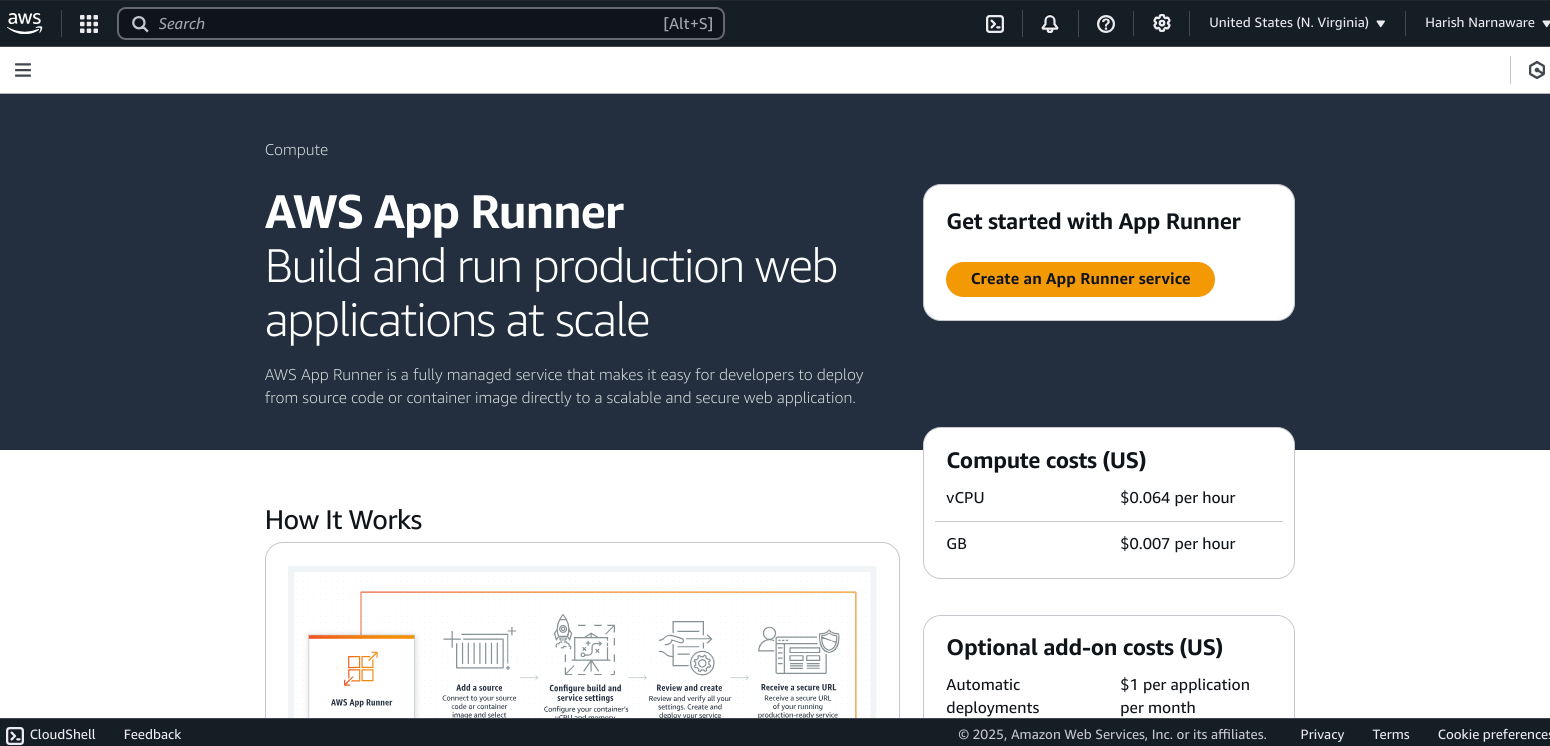
Create a New Service:
- Click on Create an App Runner service to start the service creation process.
Configure the Source:
Under Source and Deployment, select Container registry as the source type.
Choose Amazon ECR or Public ECR depending on where your Docker image is stored.
If using Amazon ECR, select the specific repository and image tag.
If using Public ECR, provide the public repository URI and image tag.
Click Next to proceed.
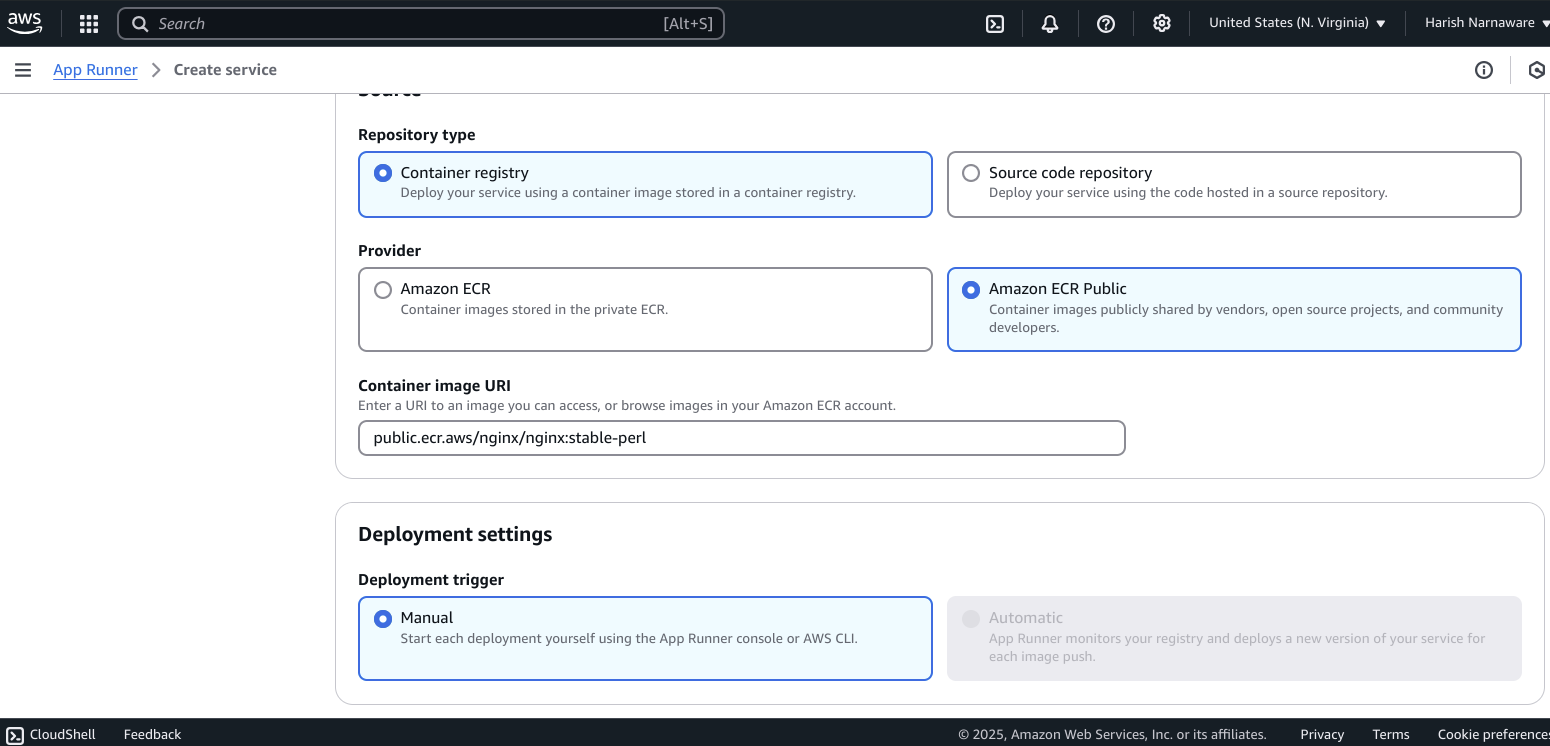
-
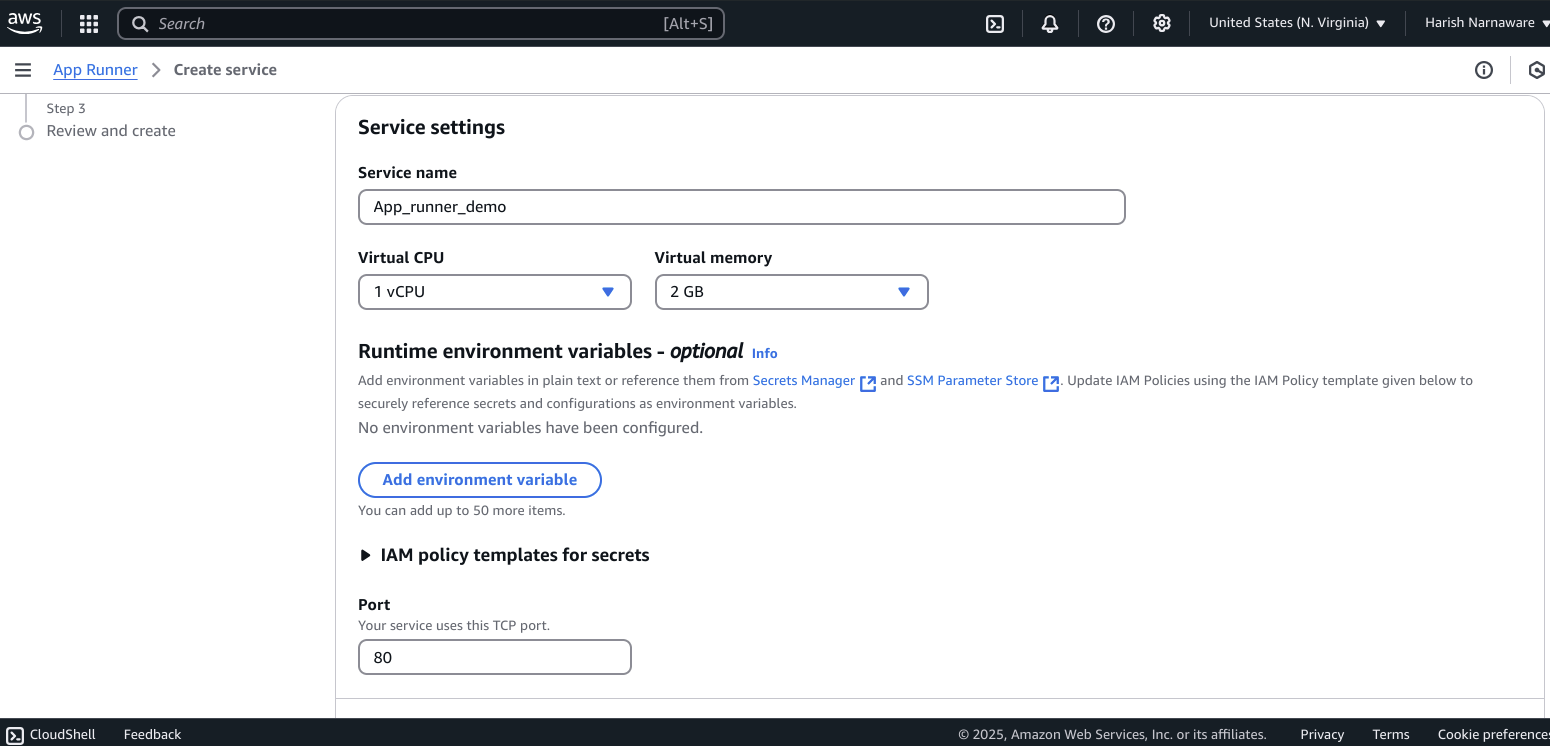
Under Service settings, provide a Service name (e.g.,
my-docker-app).In Deployment settings, choose Automatic for continuous deployment or Manual if you want to trigger deployments manually.
Click Next to continue.
Configure the Environment:
Under Environment settings, configure the CPU and Memory according to your application's requirements.
You can also set environment variables if needed.
Click Next to proceed.
Auto Scaling
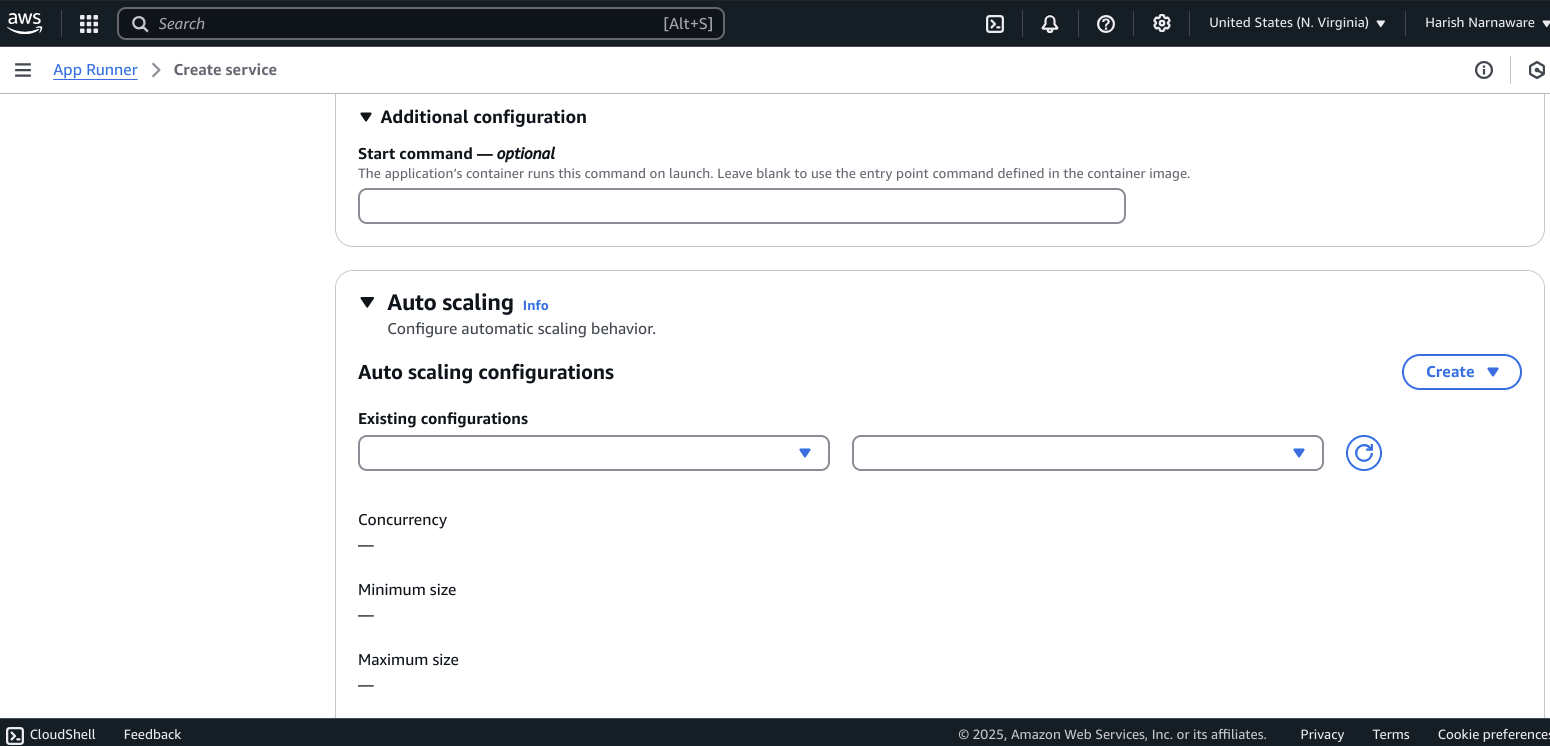
Health Check
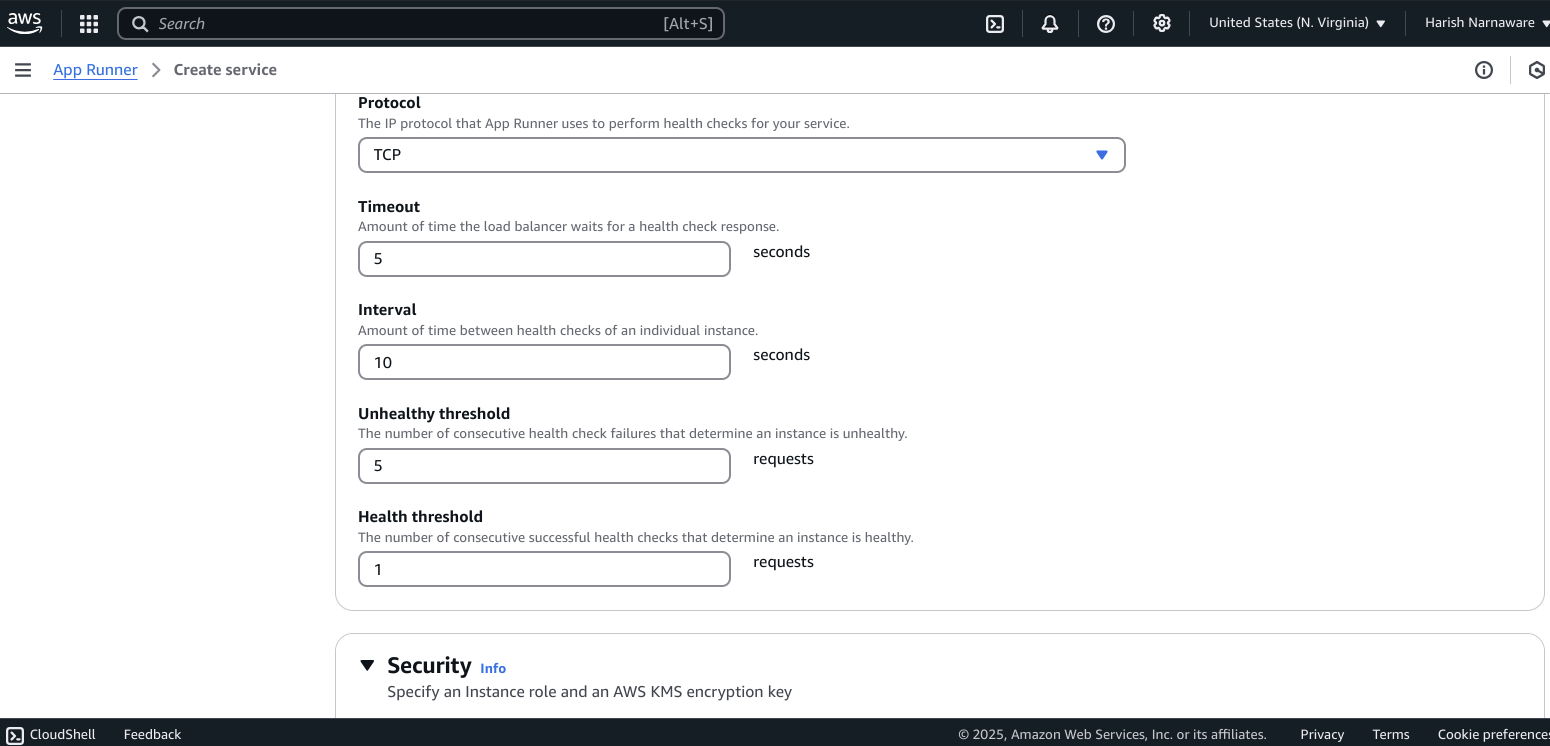
Security
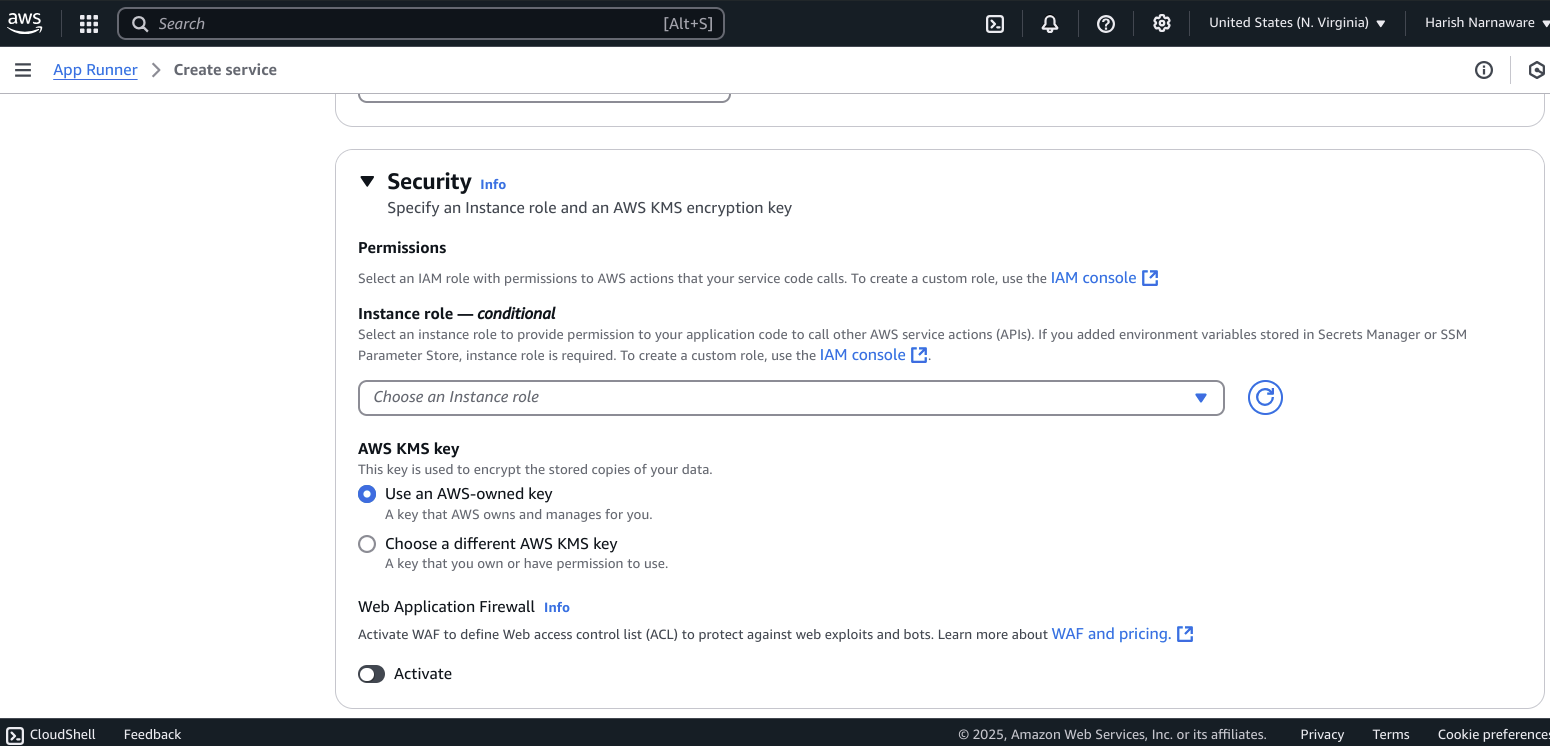
Configure Network Settings:
Choose the VPC settings (default or custom) based on your network requirements.
Configure security settings like IAM role and Encryption if needed.
Click Next to continue.
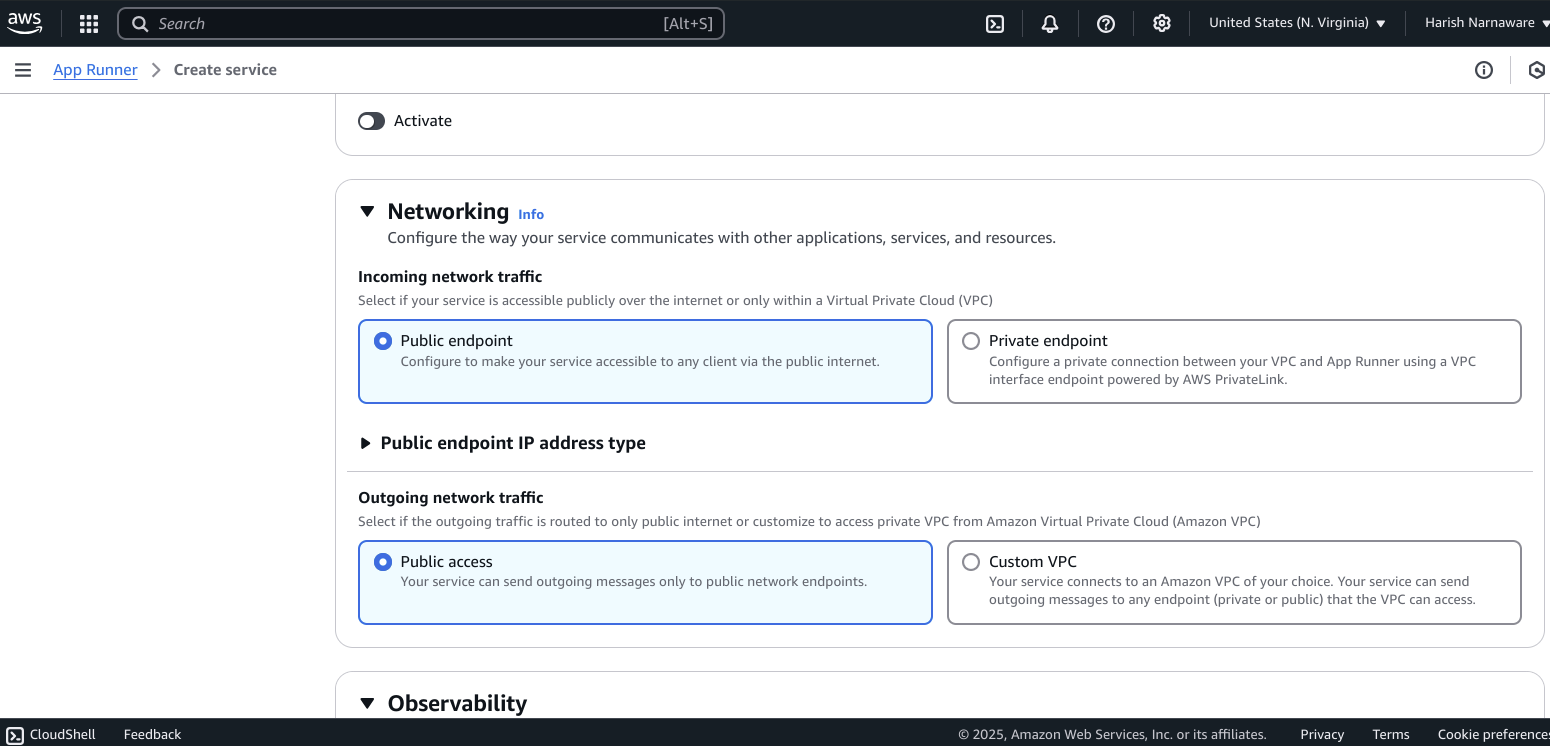
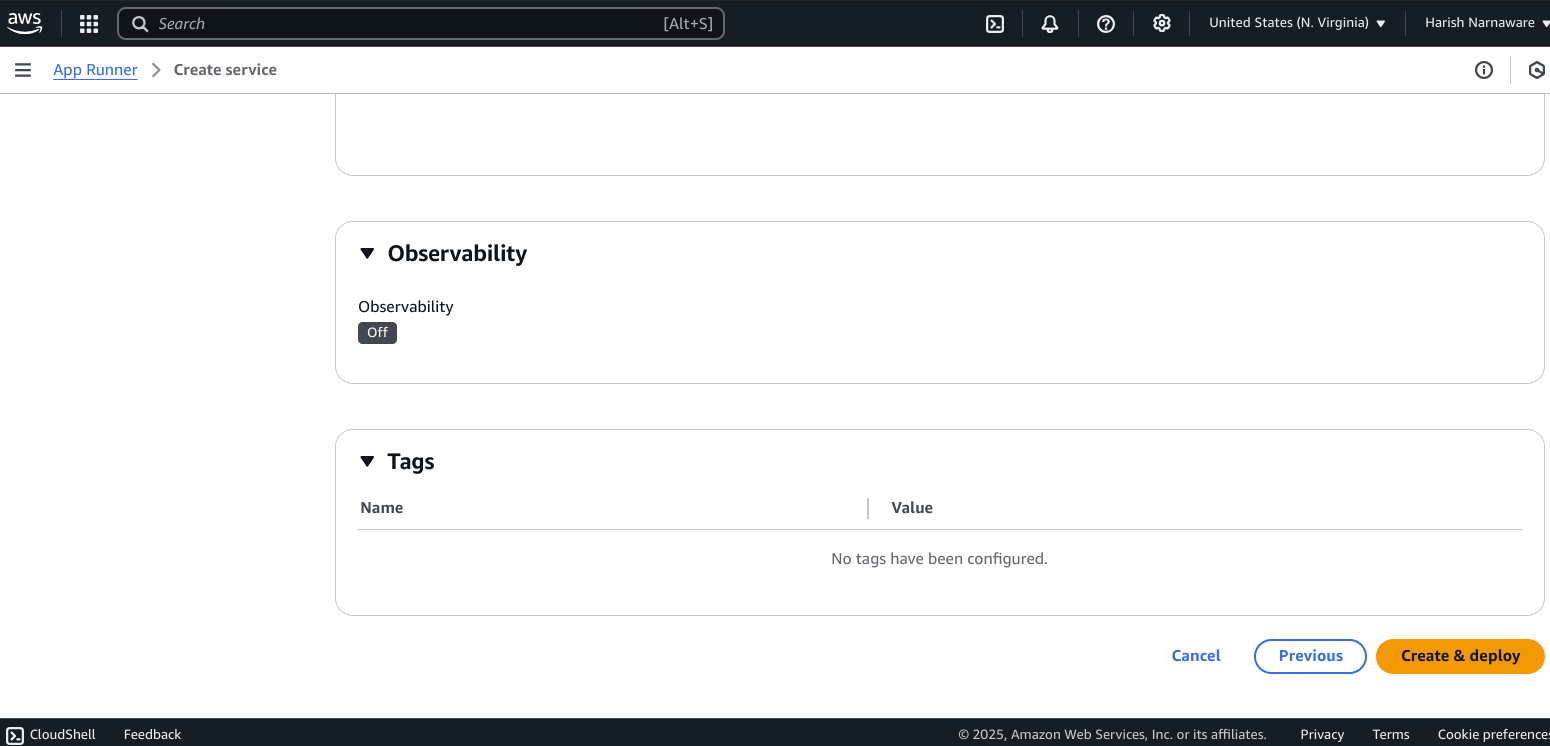
Observability
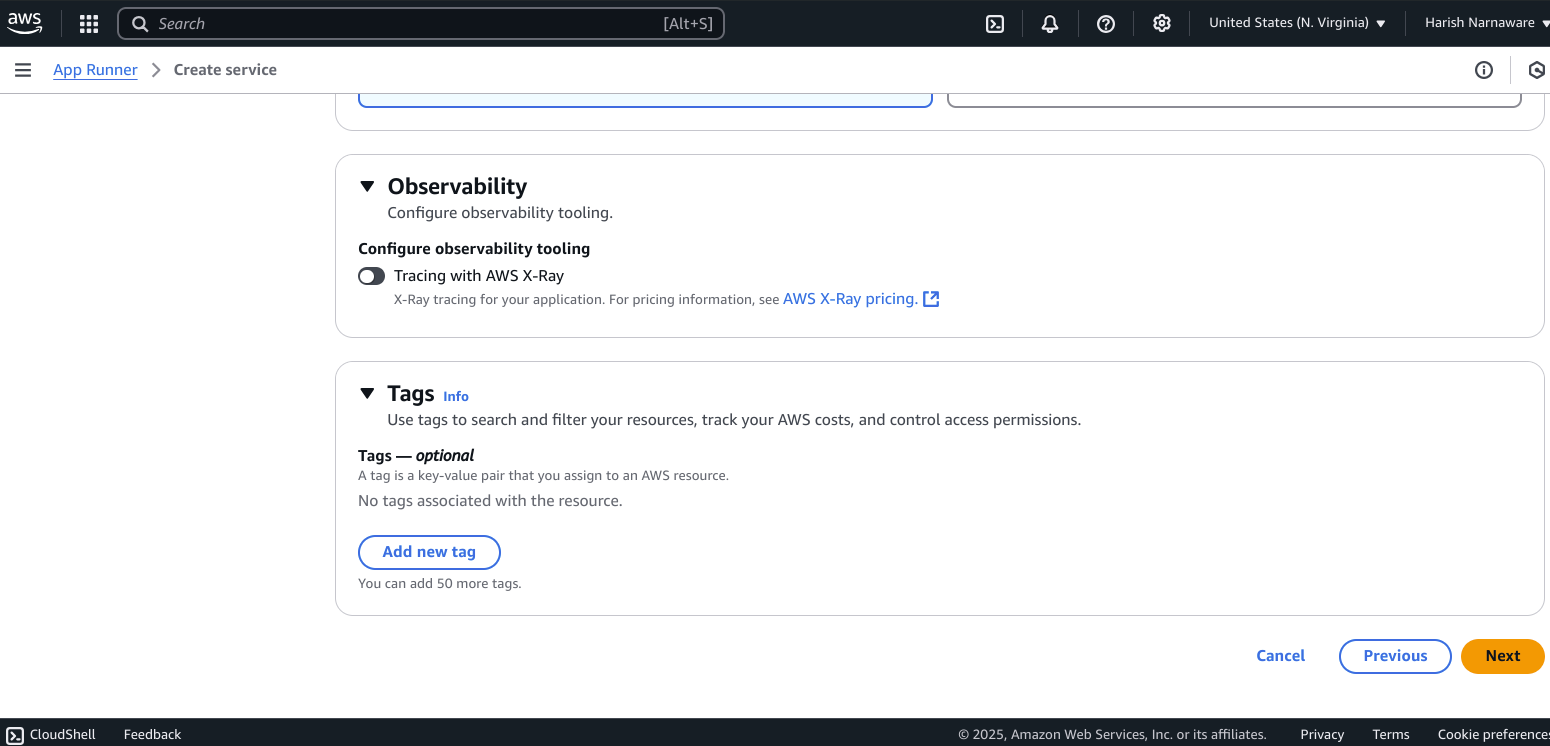
Review and Create the Service:
Review all your configurations in the Review and create step.
Once you confirm all settings are correct, click Create anddeploy.
Monitor the Deployment:
AWS App Runner will start deploying your Docker application.
You can monitor the deployment progress in the Service overview section.
Access Your Application:
Once the deployment is complete, you will see the Service URL in the Service overview section.
Click on the provided URL to access your deployed Docker application.
Clean Up (Optional)
If you no longer need the service, you can delete it:
Delete the Service:
In the AWS App Runner console, navigate to the Services section.
Select the service you want to delete (e.g.,
my-docker-app).Click on Actions and then Delete.
This guide walks you through the entire process of deploying a Docker application using AWS App Runner via the AWS Management Console. Adjust the configurations according to your specific application needs.


